 Waveline
Why weddings are hard to sync
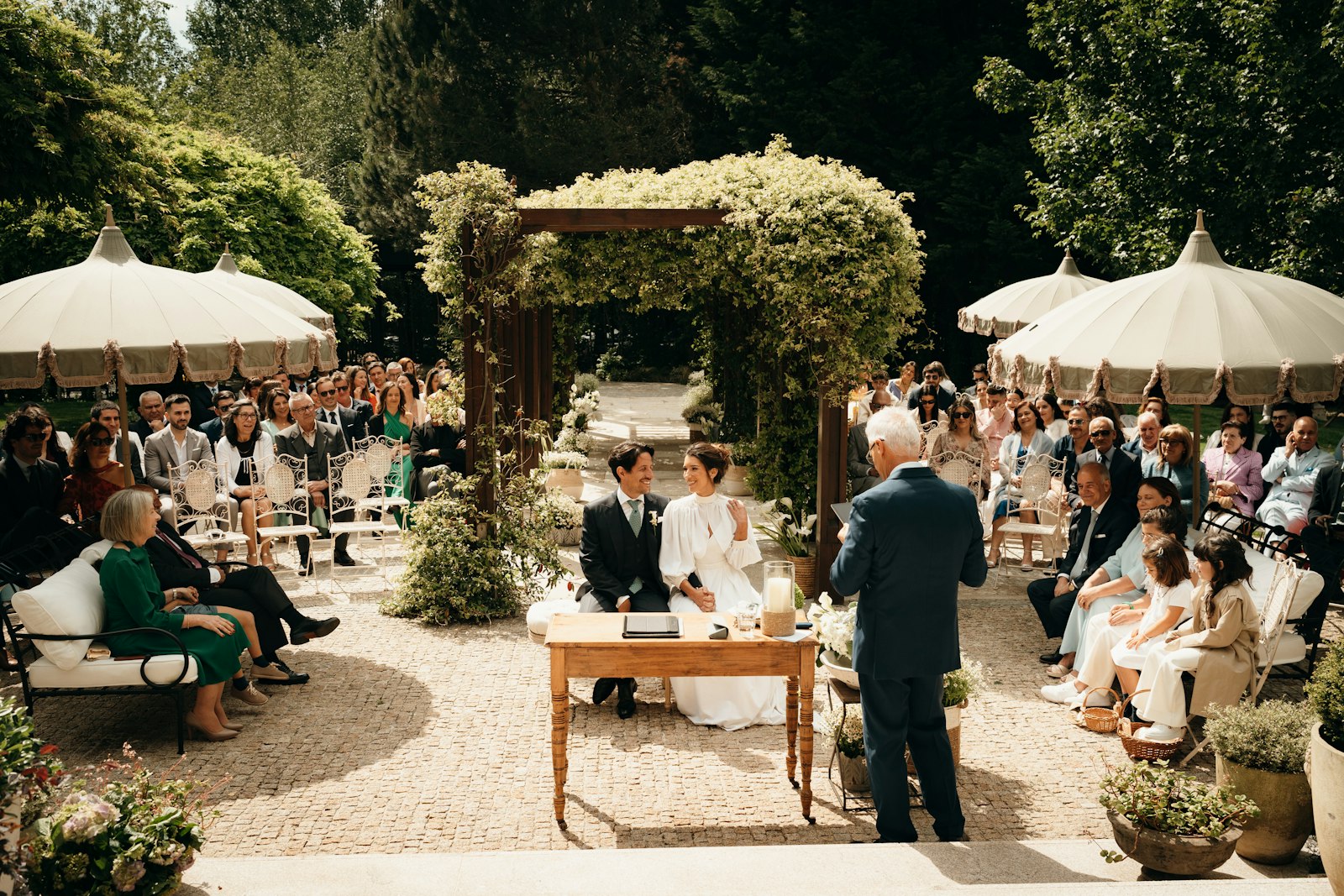
A wedding isn't one take. It's ten different moments across a whole day, shot by two or three people who start and stop recording whenever they need to. Nobody jams timecode at a wedding. Cameras run on their own clocks — often set to the wrong time — and a lav recorder on the groom runs for an hour without stopping. Lining that up by hand can take longer than the first cut.
How Waveline handles a wedding
- Shoot blocks. Getting ready, ceremony and reception don't overlap, so Waveline lays them out as separate blocks in the order they happened.
- Lav and recorder first. Long recorder files are the backbone. Every camera clip is matched to them, then to each other.
- Drift correction. An hour of vows or speeches on a lav recorder will slowly drift against the cameras. Waveline measures it and re-times the audio on export.
- Crew folders. Drop in
Shooter 1/A7S III,Shooter 2/FX3,Audio/Zoom— every camera becomes its own track.
Step by step
- Offload every cardOne folder per camera, recorder and drone. Keep each shooter's cards inside their camera folder.
- Add the whole wedding folderDrag the top folder into Waveline. Check the devices: cameras blue, recorders green.
- SyncWatch the day assemble itself. A typical wedding of 500–800 files takes a few minutes.
- Check the few yellow clipsPress N to jump between them and listen to Both.
- Decide where the drone goesDrone clips have no useful sound, so they're placed by the drone's clock or at the end — your choice.
- Export with drift correction onThen open the timeline in Premiere, Resolve or Final Cut and start cutting.
Shooting tips that make syncing easy
- Start the lav or table recorder before the ceremony and leave it running.
- Keep on-camera mics on, even on gimbals and B-cams.
- Avoid recording music only from the speakers on one camera and nothing else — any shared sound helps.
Next: syncing a field recorder to cameras · drone and GoPro footage.